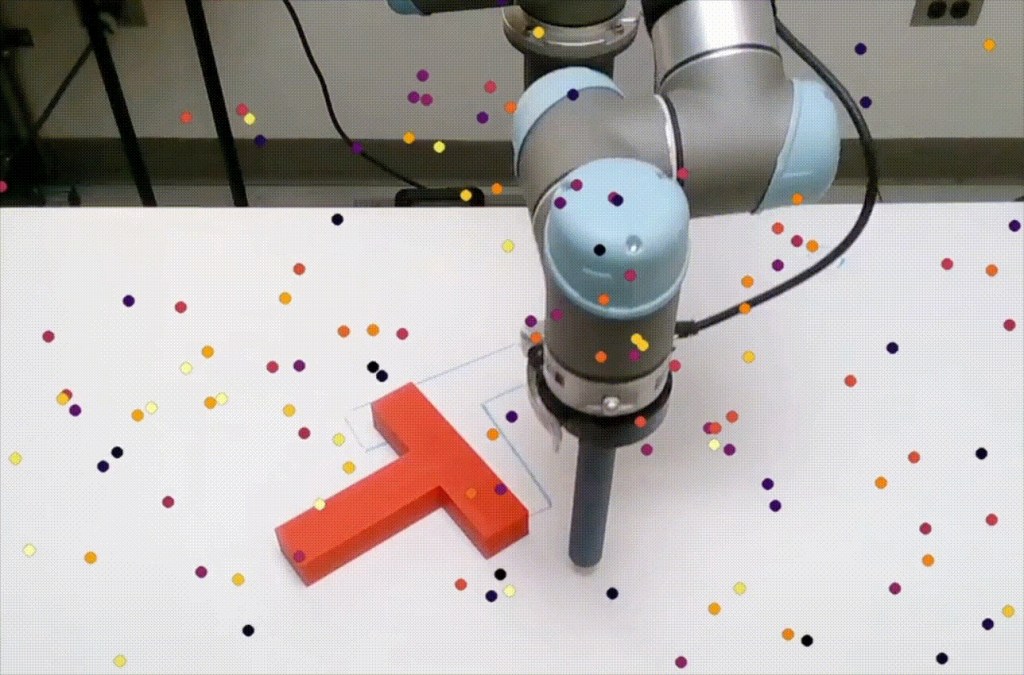
In my last post, I have written about ACT and how it helps robots learn specific tasks, like folding a shirt or putting a cup in a sink. But there was a catch: ACT is a specialist. And from the rise of LLM’s we now know that a specialist cannot compete in this age. We need a generalist policy....
You can program a robot arm to do almost anything. At the end of the day, you’re just setting servo angles, and the computer executes them like any other program. def grab_coffee_cup(): # Move shoulder to 45 degrees, elbow to 90 degrees servo_shoulder.set_angle(45)...
Wow, half a year has passed since my last blog. I have to admit, during this period I was a bit disconnected from the physical AI world. I transitioned to a different team at work after their two data scientists were reassigned to other teams, and I had to ramp up quickly to take over their...
We already had a digital version of our robot: a detailed model built in Fusion 360. But to bring this twin to life in a simulation, especially in PyBullet, we needed something more: a URDF version of the robot. fusion2urdf I loaded a script called fusion2urdf. This is a Fusion add-in meant...
AlienGo simulation was an interesting journey. But the moment you see it walking, you can’t help but wonder… will it actually work in the real world? Let’s buy a real one and test it in real life! Well, you know what? Maybe we should stick to small DIY projects for now. How about...
Today, we’ll train a quadruped to walk in a virtual environment. Or, to put it better: we’ll train a quadruped to move forward as fast as possible without falling. It’s free to choose any strategy: walking, crawling, rolling, or even flying (if the simulation allows it). I want to turn this...
In previous blogs we used setup() and loop() to write single programs. That loop() runs forever, repeating the same code again and again. This concept is called “super loop”. It’s perfectly fine for blinking an LED or reading a sensor once in a while, but when we need our device to do multiple...
I had a nice little egg cooker… until I broke its button. You might be surprised how important that button was. I tried all sorts of caveman tactics to turn the thing on. Nothing worked. Apparently, that small plastic button was the gatekeeper to my breakfast. And I told myself, “If I have a 3D...
Remember blinking the LED on Arduino? It’s almost magical how easy it is. That’s because Arduino abstracts all the low-level stuff from us. This is extremely helpful for a beginner, but surely there must be a trade-off, right? That’s where bare-metal programming comes in. Now there’s no...
Schematics might look intimidating at first, but they’re really just guides. In this post, I’ll walk through the basics of schematics, pinouts, and datasheets — using a really simple board to keep things clear. Arduino Pro Mini We will use the Arduino Pro Mini because it’s a simple board,...