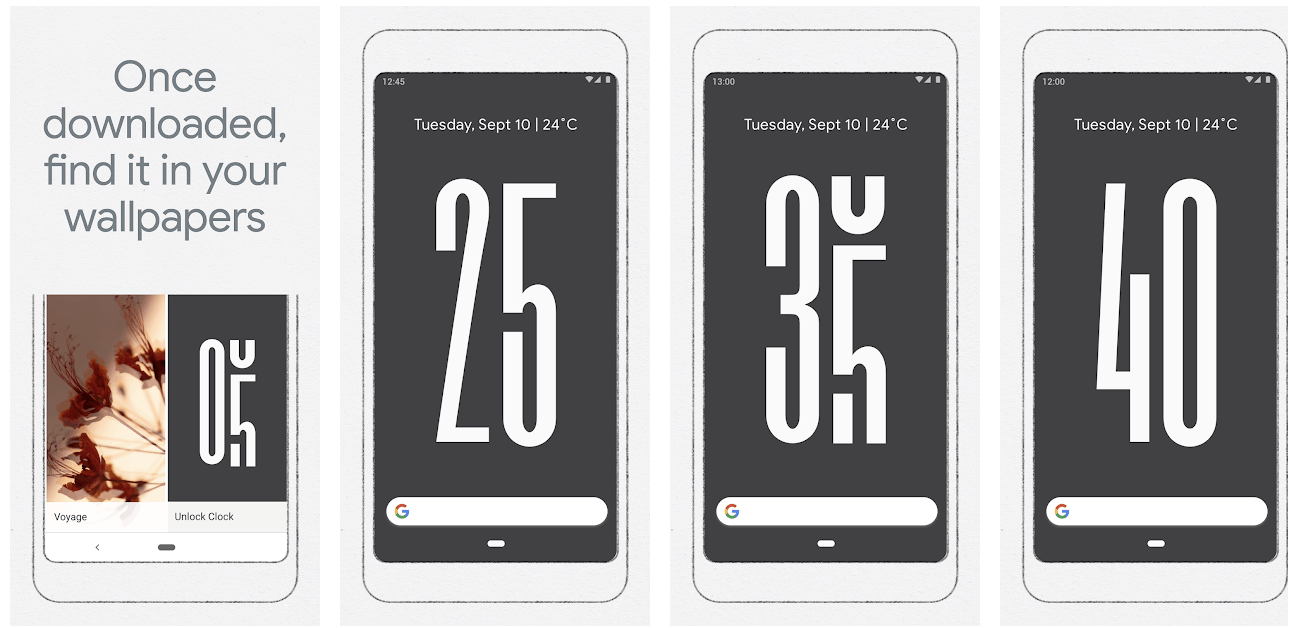
There are apps you download for fun. And then there are apps like Numpad by Alpa, which quietly become part of your everyday workflow—without the bells and whistles. Just pure utility. If you’re someone who crunches numbers, edits spreadsheets, or navigates creative software that loves a...
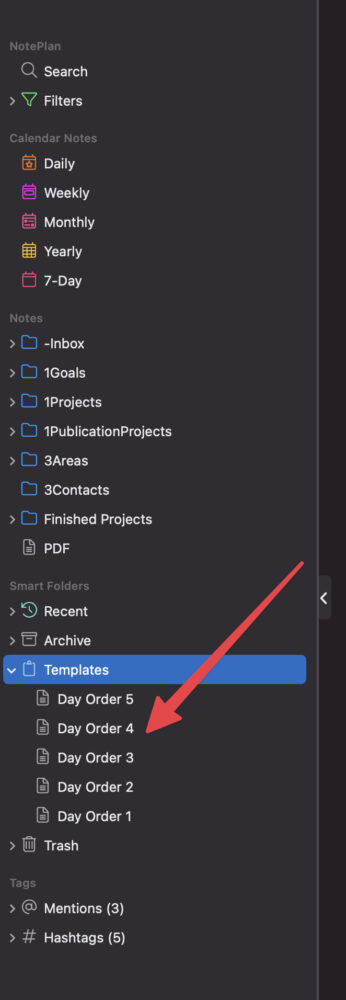
Not all weeks are created equal—especially when your schedule doesn’t follow the standard Monday-to-Friday routine. In my case, each day of the week isn’t tied to its name. Instead, I work with a day order system, where classes and routines are labeled as Day 1, Day 2, and so on. If there’s a...
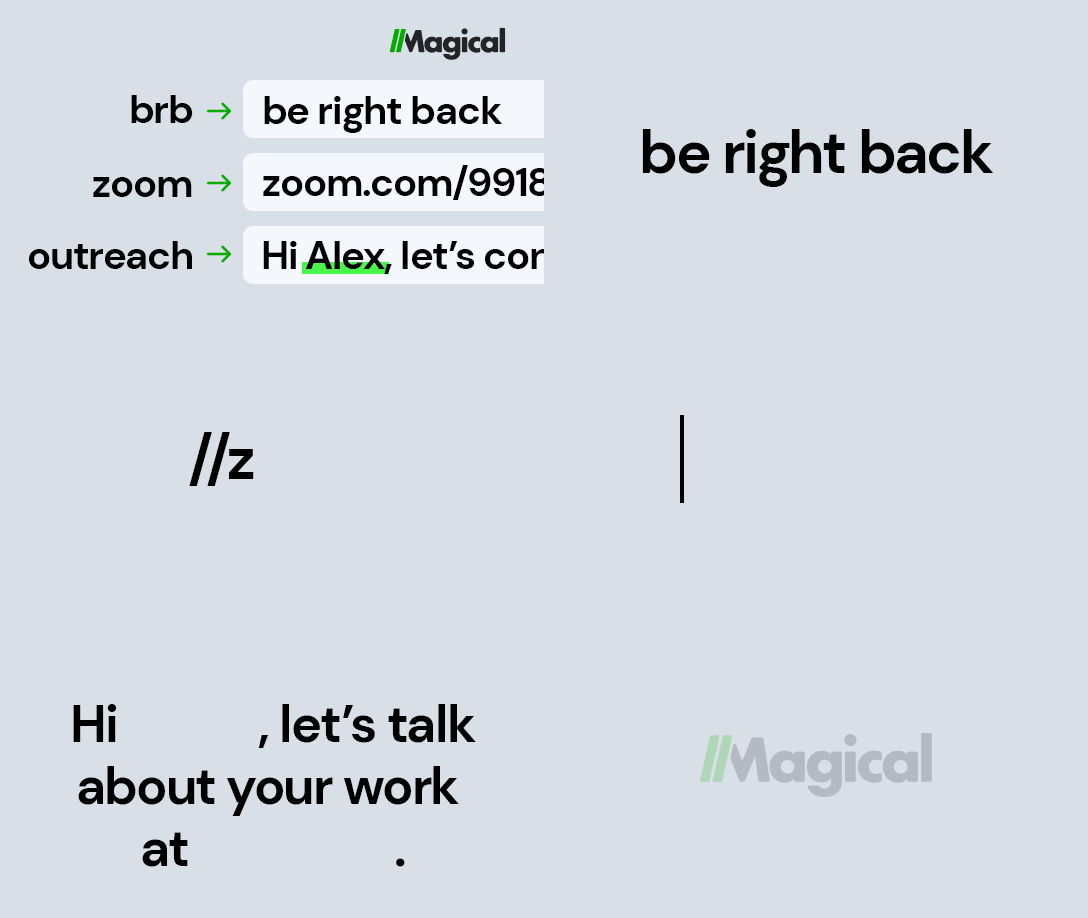
I was using Magical text expander, until today – on my Chrome at work and on my personal Mac. I had issues with Magical when I used it along with Google Docs. (I faced issues during printing, like getting extra empty pages printed). Later I found the culprit and searched for other...
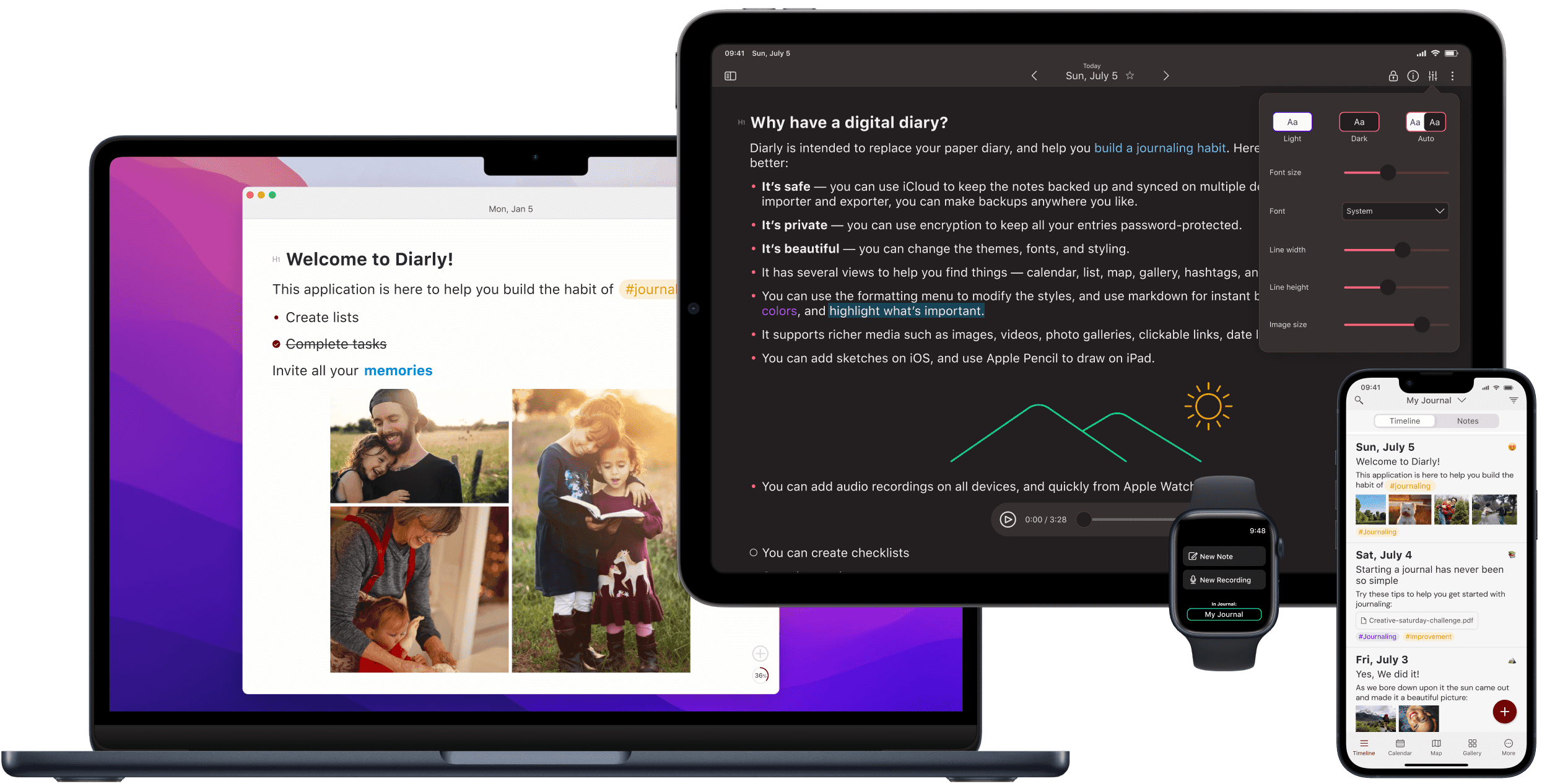
I recently subscribed to Setapp, a collection of 240+ apps for a single price. I explored the apps individually and replaced my former apps with the best ones from Setapp. Especially the one I pay for. Subscribing to Setapp saved me from spending more than necessary for apps. DayOne is...
A picture speaks 1000 words. Won’t emojis? Emoji speaks emotions. 1. Use Mac’s Emoji selector Keep the cursor at the point where you want to insert the emoji. Now, press Ctrl + Cmd + SpaceBar at the same time to invoke the emoji selector. Search for the emoji. Just press enter...
Make sure you have enough tools to manage the following categories of your personal productivity setup. 5 Categories of tools for your Personal Productivity System. Task Management (including Projects and Goals Management) Time Management (events to attend, meetings, time allocated for...
It is a sin to not be aware of “Text Expander” if your work consists of a lot of copy/paste and heavy reuse of text contents. There are a bunch of text expander apps (like textexpander.com) for different platforms with different capabilities. Most of them I see are not friendly with my wallet....
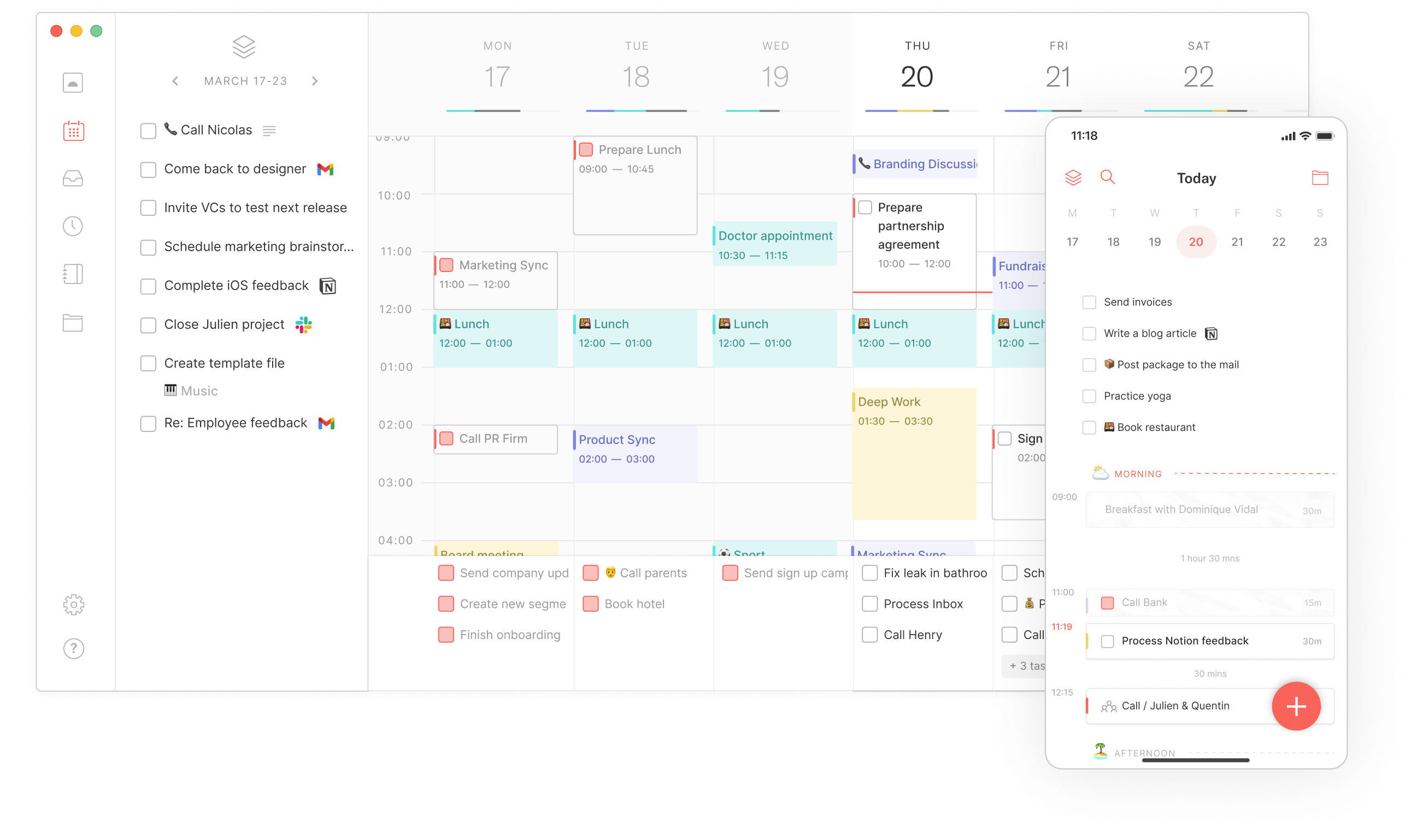
Routine is a budding day planner app or I should say an all-in-one app that combines tasks, notes, and calendars in one single place. The app is still in its early stage and looks promising to fulfill the needs that other similar apps failed to. I don’t want to talk about team apps like...
How do we keep ourselves up to date with the latest changes and updates in your relevant field? We are hungry for new facts, ideas, and changes happening around you in your interested field. In short, we are curious to know the latest trends. To become the first to know it, we follow or...
Among the networked-thoughts app like Obsidian, Logseq, and many more, RoamResearch has the least appealing graph view. Hope everyone agrees. Obsidian graphs (also Logseq’s) are pleasant to the eyes, bubbling around when interacting, highlighting connections of the hovering nodes, ability to...
LegendApp is a new kid in a bi-directional-linking-app town. This app focuses on “work” management instead of knowledge. I’ve seen people using Roam, Logseq, and even obsidian for managing all their action-oriented (todo, events and task assigning, project management etc) contents. But in...
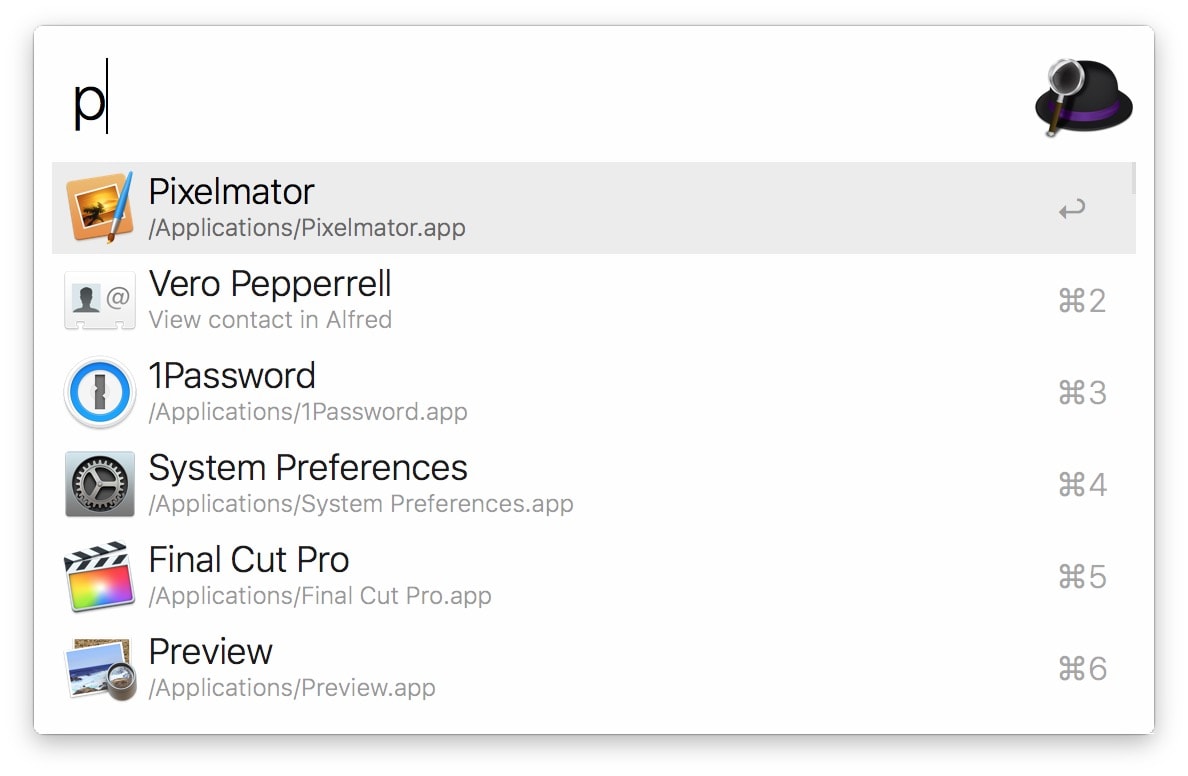
Since I started using Mac, I am using Alfred with ‘Powerpack’ (premium that costs a few bucks). It was a wonderful experience using Alfred on those days when ‘Spotlight’ hasn’t gained its full potential. I wrote this article couple of years back Save incredible time with Alfred for Mac and was...
A breakthrough concept of “networked thoughts” in the world of note-taking gave birth to numerous apps after the launch and success of RoamResearch. Note-taking took a paradigm shift with ‘markdown’ and ‘backlinks’. Initially, RoamResearch existed like a ‘proof-of-concept’ but later raised...
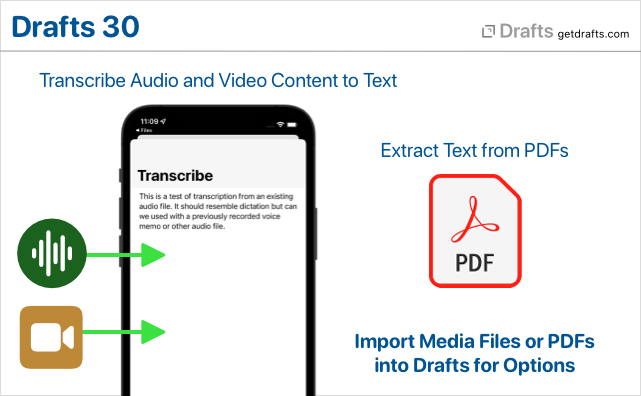
Recently I wrote about me using Drafts and more on how good it is for quick capturing. I myself highly rely on the voice-to-text (dictation) feature of Drafts to capture my thoughts all day long. But it isn’t flexible as I had to pause and wait for the app to convert my spoken words to text...
Drafts. As the name suggests, it is a casual drafting app, a text processor of simple look and powerful action features. Actions? What action could a notes app can do other than formatting the paragraph of texts? That was my first thought before trying this app on first hand. I didn’t need a...
NotePlan, not a new app in the personal productivity space, but the latest iteration of it “NotePlan 3” underwent a good overhaul with [[backlink]] and ‘markdown file’ support. NotePlan, basically a note-taking app that supports tasks (Apple Reminders) and calendar (Apple Calendar) integration...
“Vim”. It will ring a bell if you have done some computer programming almost 2 decades ago? Vim is a keyboard-based text editor to edit computer programs in Unix. Purely with keyboards, no mouse. Vimium = Vim + Chromium. It’s just adopting the editing methods of ‘Vim’ on Chrome as a technique...
Smartphones are inevitable. Being the powerful tool of connectivity, it’s also the major cause of our distractions and villain of productivity. All the apps and services play hard enough to attract us and keep us engaged within it for their own gain. Ironically people who made the very phone,...
Since the beginning of Alvistor, we try to make aware of the right to digital privacy for everyone. When I say everyone, the way must be simplistic. Really easy to use. Here I listed few, topmost apps that fit for every level of users who needs to reclaim their anonymity. Anyway, with these apps,...
Alfred for Mac is a tool (app) that will help you to interact with your computer through the keyboard to complete a task with fewer key presses and less than a few seconds. Usually, those tasks require more time to do with a trackpad/mouse. In short, it is an advanced version of Mac’s ‘spotlight’...