There are apps you download for fun. And then there are apps like Numpad by Alpa, which quietly become part of your everyday workflow—without the bells and whistles. Just pure utility. If you’re someone who crunches numbers, edits spreadsheets, or navigates creative software that loves a...
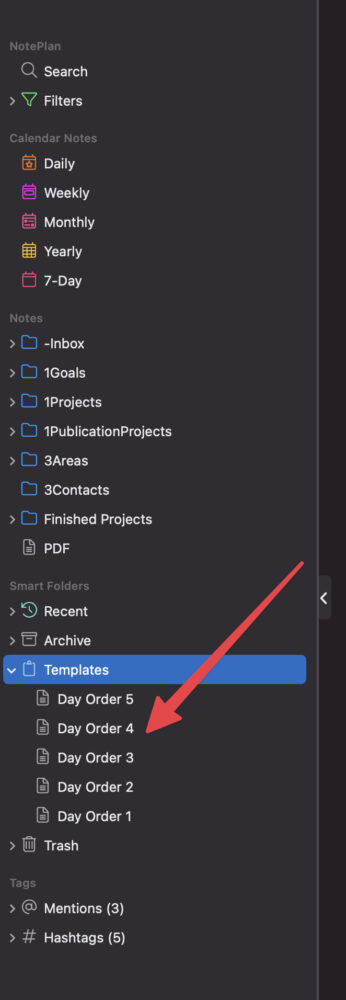
Not all weeks are created equal—especially when your schedule doesn’t follow the standard Monday-to-Friday routine. In my case, each day of the week isn’t tied to its name. Instead, I work with a day order system, where classes and routines are labeled as Day 1, Day 2, and so on. If there’s a...
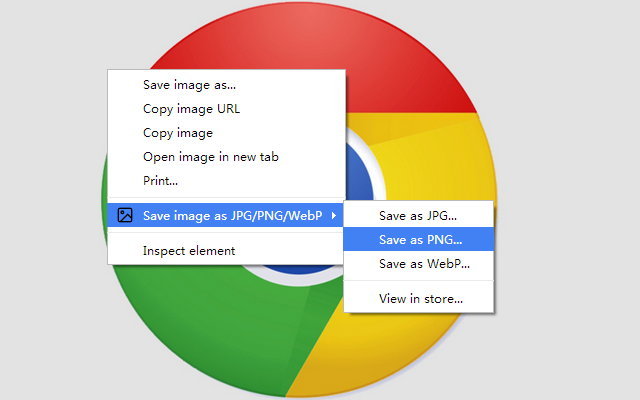
WebP is a format that Chrome (Google) encourages websites to use to make the browsing experience faster and better. Unfortunately, images in WebP format won’t work outside Chrome. Especially in Medium and in WordPress too. Whenever I try to download an image using Chrome, if the image is...
A picture speaks 1000 words. Won’t emojis? Emoji speaks emotions. 1. Use Mac’s Emoji selector Keep the cursor at the point where you want to insert the emoji. Now, press Ctrl + Cmd + SpaceBar at the same time to invoke the emoji selector. Search for the emoji. Just press enter...
Google Docs has a feature to compare two different documents with each other and attribute the difference in a new document. It is a different feature than document history or versions of documents. When does it help? I have a version of the document which I am sending to my colleague....
In my personal productivity system, I use multiple apps for different purposes. Thus my data spread over different areas. There are 5 scopes/areas of management in personal productivity. Each requires at least 1 exclusive app for managing the data. For a project, the data relevant to it...
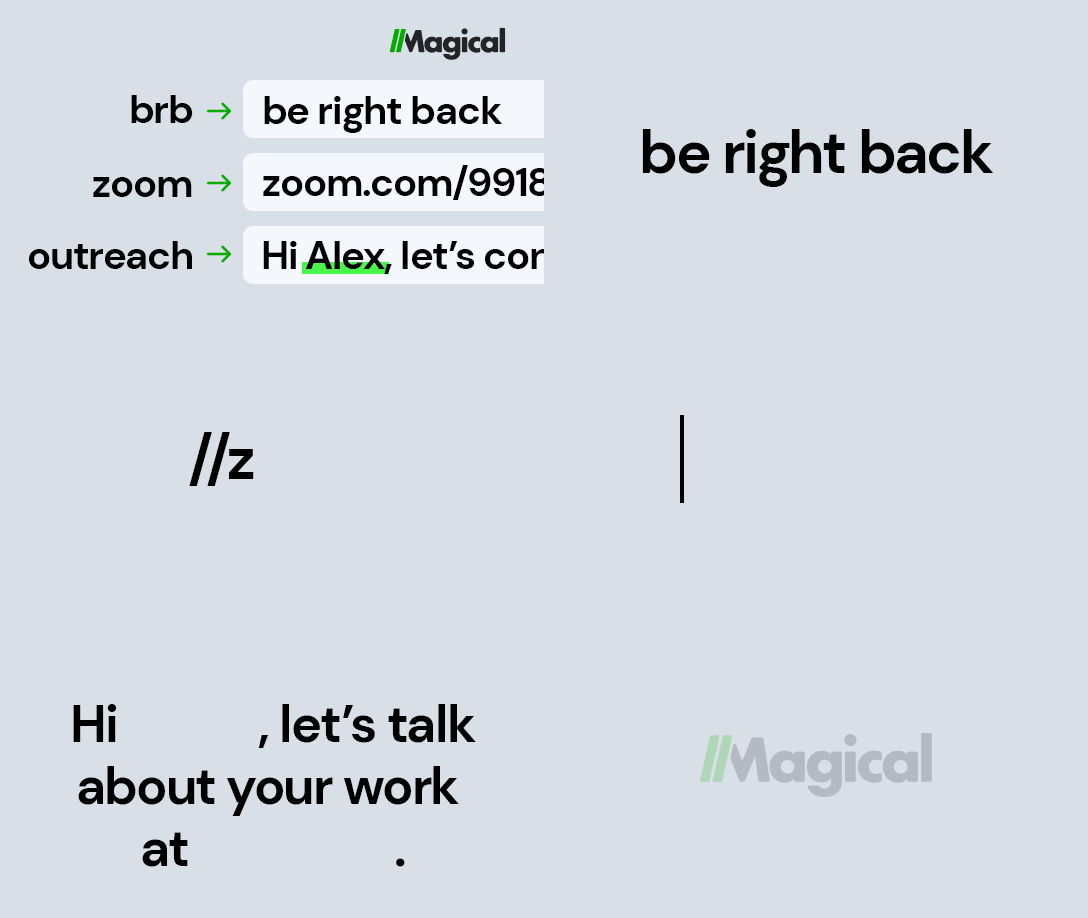
It is a sin to not be aware of “Text Expander” if your work consists of a lot of copy/paste and heavy reuse of text contents. There are a bunch of text expander apps (like textexpander.com) for different platforms with different capabilities. Most of them I see are not friendly with my wallet....
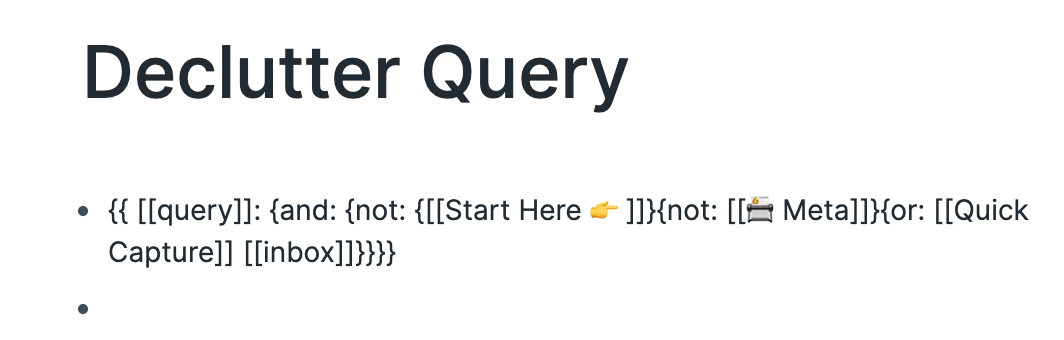
If you’re using RoamResearch, this is relevant to you so you don’t need a intro for this. Linking & Tagging Differentiate the purpose of tags and page links – I personally use #tags (as keywords) for filtering and [[Links]] to make connections. In Roam, both tag and links work as same,...
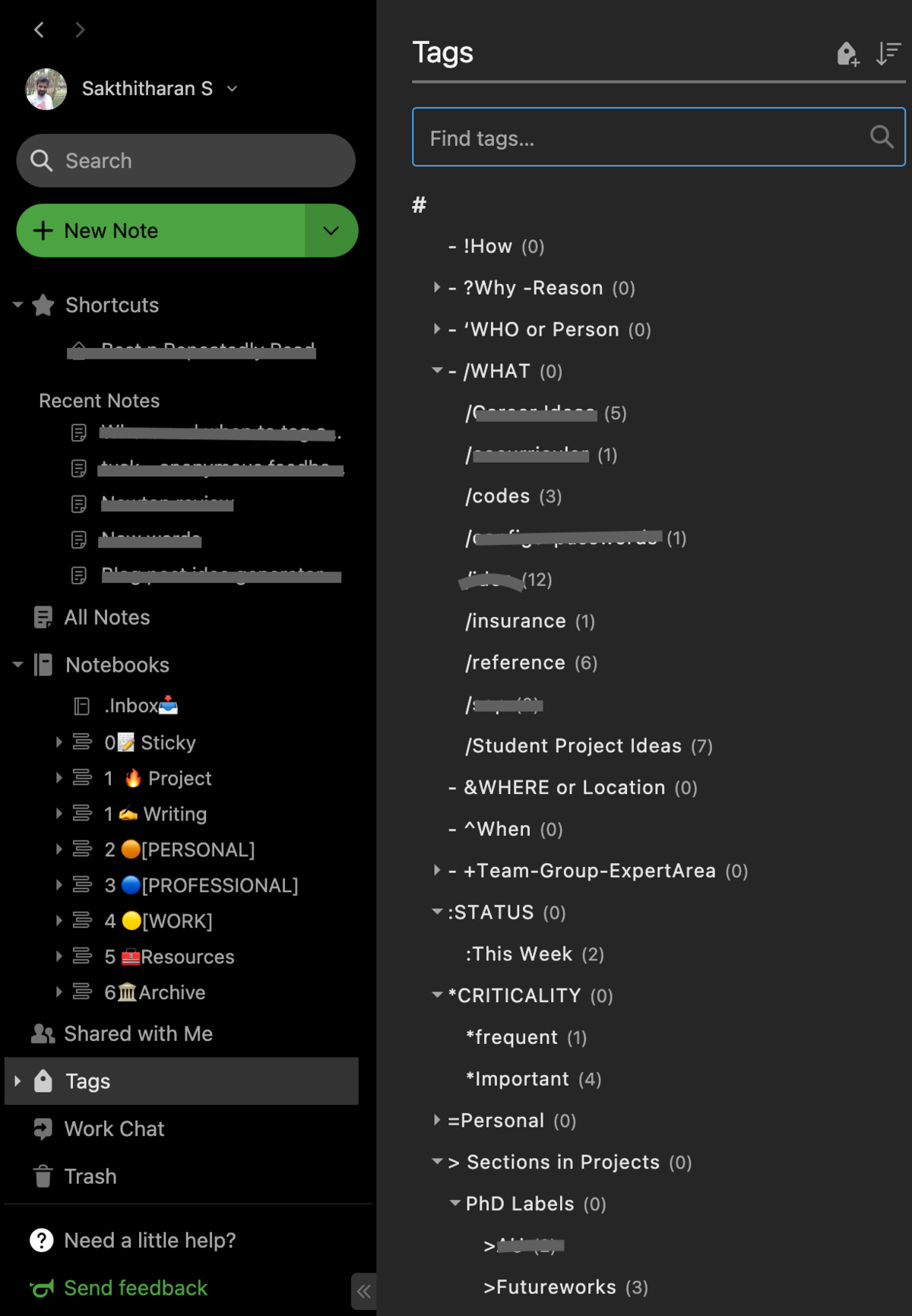
To clarify, tagging is also known as ‘labeling’, ‘bookmarking’, ‘categorizing’ in the process of organizing in notes management. Why tagging (is important)? To specify the attributes of the content or note. Like, what type of content it is, what it is about.To add contextual information,...
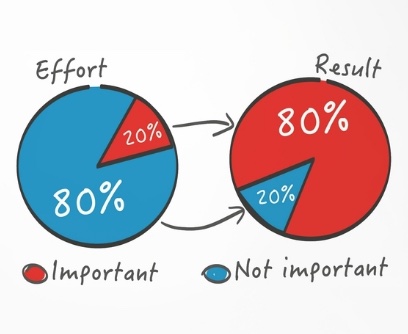
Pareto principle named after renowned economist Vilfredo Pareto, specifies that that roughly 80% of effects (output) come from 20% of the causes (input), asserting an unequal relationship between inputs and outputs. In other words, almost 80% of the outcome can be achieved with 20% of your...
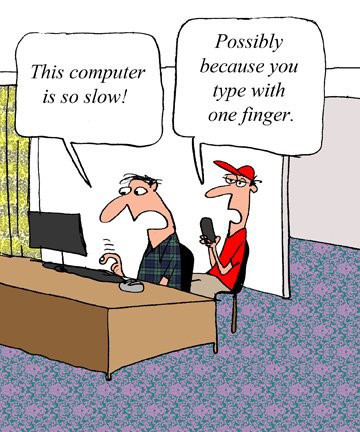
The fact is 9 out of 10 people is not typing in the proper way. There are people who can type without moving their eyes out of the screen, not searching for keys when pressing each character keys, and faster than others. Yet most of them are doing it wrong. In typewriting, you have to use all...
Evernote is notes management tool, yet it many underlying features that makes it even more powerful with its ability to handle multiple types of meaningful information. People underestimate it’s use in the real life and paperless productivity. Let me give you 30+ things and purpose to use Evernote...
“Vim”. It will ring a bell if you have done some computer programming almost 2 decades ago? Vim is a keyboard-based text editor to edit computer programs in Unix. Purely with keyboards, no mouse. Vimium = Vim + Chromium. It’s just adopting the editing methods of ‘Vim’ on Chrome as a technique...