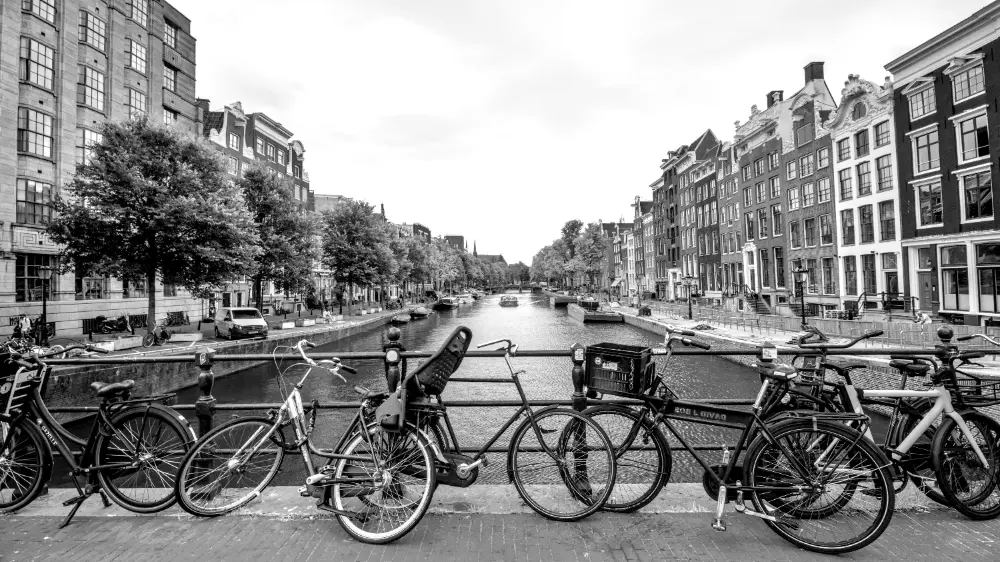
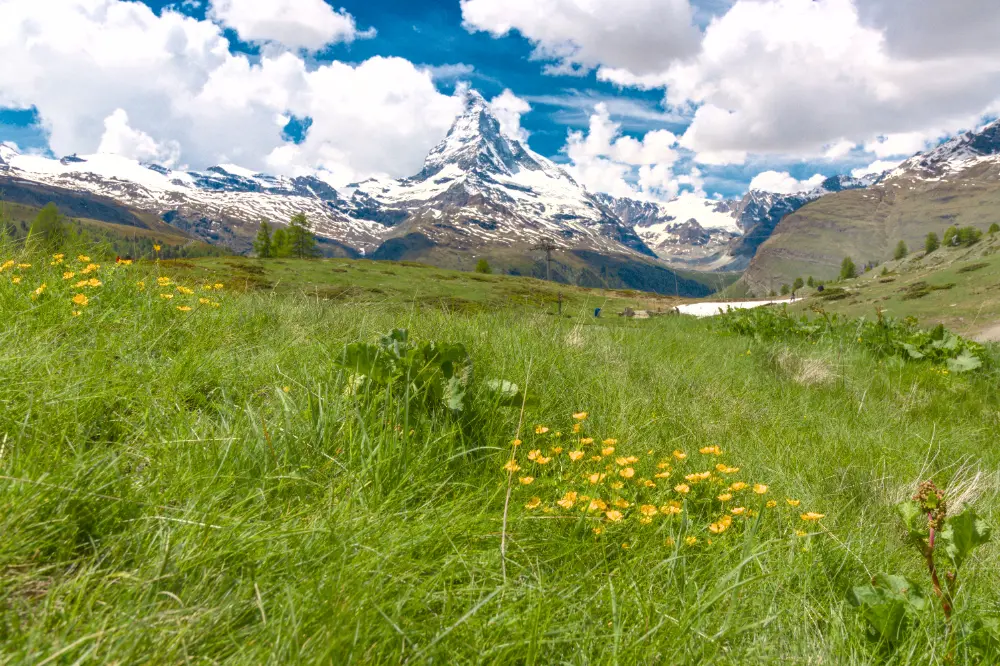
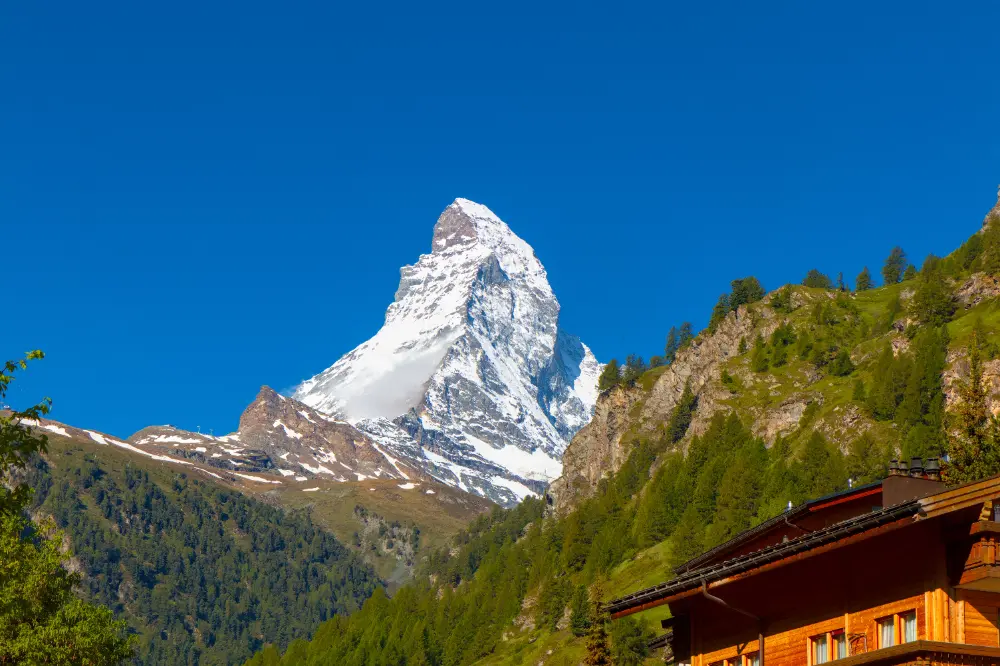
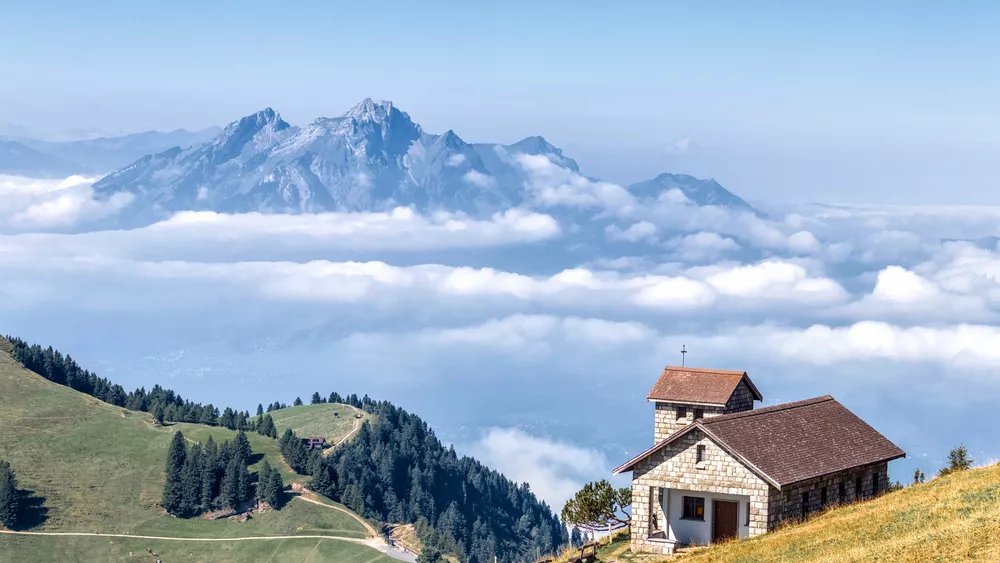
In this image, we are using an instance of the LUT 3D module with the Kodak T-Max 400 LUT from RawTherapee to convert it to black and white. The above version is good, but you can create many more moods and styles by adding color back in after converting to black and white. Let's review some...
Green plants in landscapes don't always appear as green - they can range from shades of yellows to shades of blues depending on the lighting. In this tutorial, learn how to adjust these important shades to control the overall look of your landscape scene.
As we recently discussed, the new AgX module gives you fine-grained control over the highlights. However, additional steps may be required to really bring out the details in very bright areas like the sky. Let's look at several techniques for enhancing contrast in the highlights below.
They usually aren't light, and they certainly aren't small, but the unique perspective a telephoto lens brings makes it an indispensable part of your kit, even when traveling. Let's review some shots taken with a telephoto to see how we can justify its size and weight.
On the surface, taking photos of cars seems easy enough. However, you can really take your automotive photography to the next level with a few simple capture techniques and some creative post-processing in darktable.
When your subject is old and historic, it may be desirable to give the entire image an aged, analog look. Using the color wheel, let's explore how to create an analogous color harmony and give and old-time look to this photo.
Scenes with a high dynamic range can be challenging to work with - either you risk blowing the highlights or the shadows are way too dark. Let's learn how to compress a high dynamic range scene in darktable using both filmic rgb and sigmoid to compare how each of these tone mapping modules works.
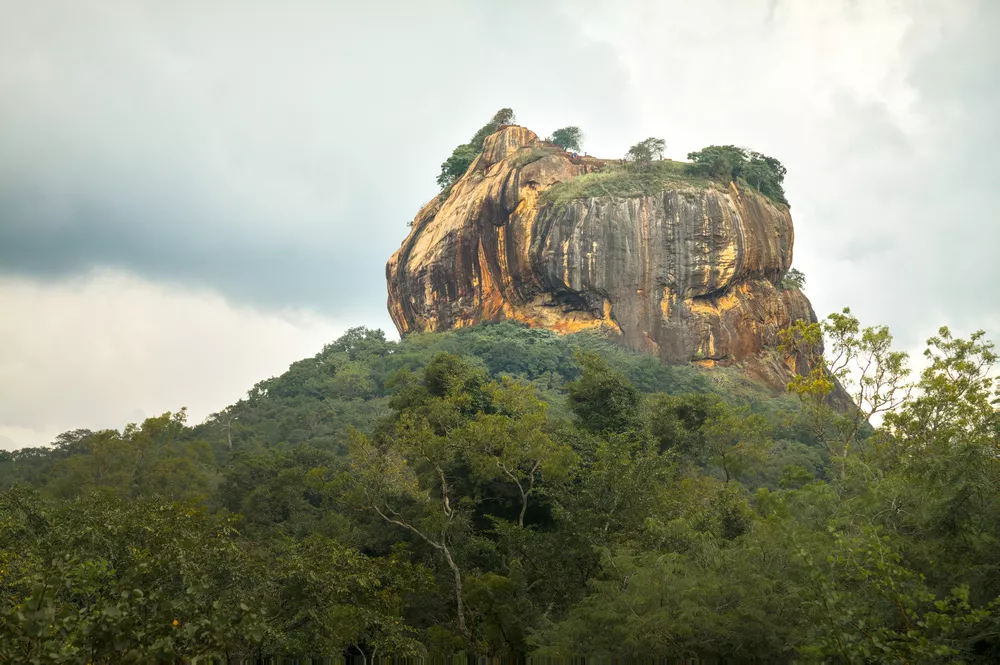
The mighty Sigiriya rises from the surrounding plains in dramatic fasion. This UNESCO World Heritage site is both impressive and beautiful to see. Let's look at how to bring out this beauty and detail in darktable.
Sunsets can have many fantastic colors, but they may not be very visible on the initial edit of an image. Let's explore how to bring sunset colors to life with this beautiful tropical silhouette.
Much of the advice for composition revolves around certain times of day (e.g. the Golden Hour or Blue Hour) or certain conditions (cloudy vs sunny, the angle of light, etc) in order to take interesting photos. To shoot during these conditions, you often need to devote a lot of time to planning and...
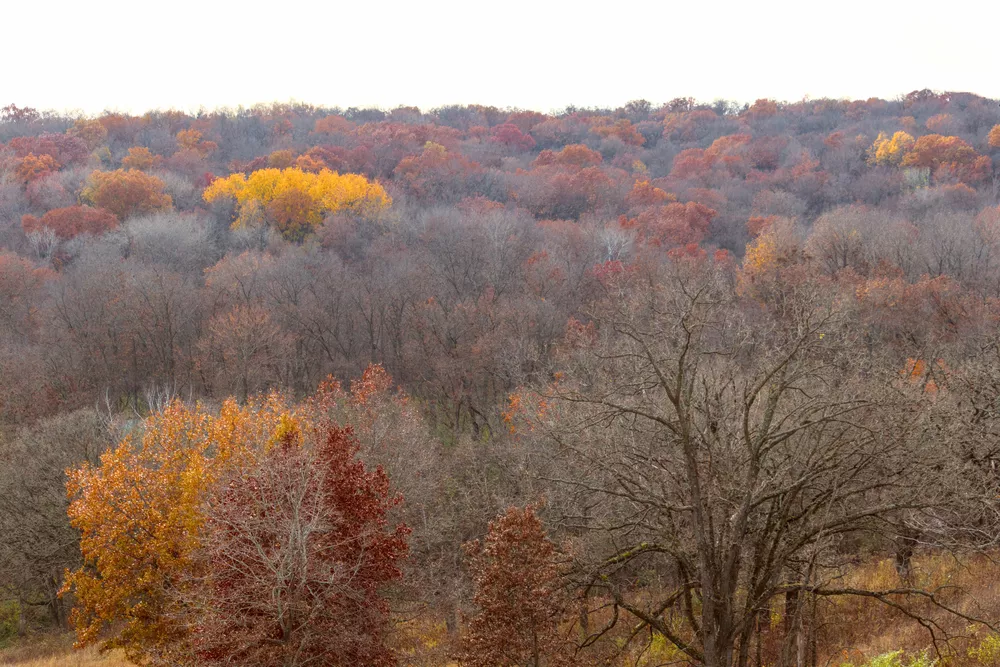
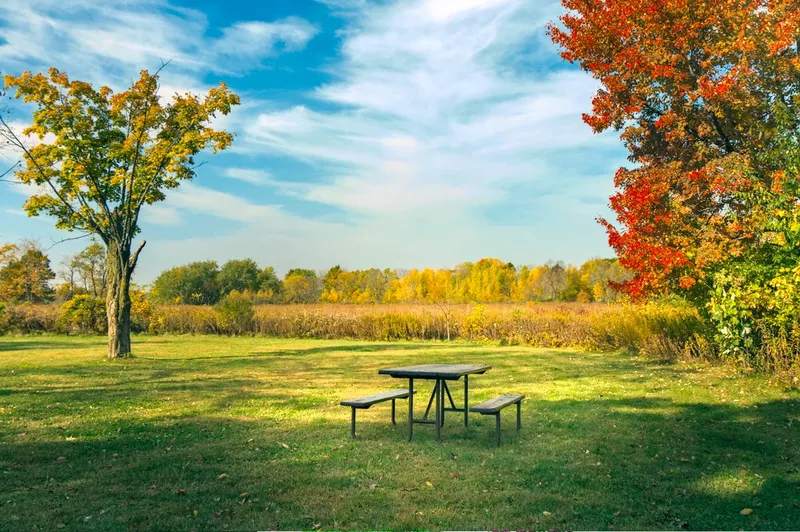
Fall colors are a great opportunity to utilize analogous and complementary color harmonies in a scene. Let's see how to use the RYB color wheel to create a color harmony and bring fall scenes to life.
Darktable's powerful drawn masks and parametric masks let you quickly and easily make targeted edits to only part of an image. Let's learn how to use both types of masks and then make several example adjustments.
Sometimes a great shot involves pointing your camera in the direction of the sun. Even if it isn't actually present in the field-of-view, direct sunlight can still cause distortions in the image called lens flare. Fortunately, darktable provides some powerful tools for correcting these aberrations.
Maybe you just missed the peak colors of a sunset, or maybe you just want to apply an artistic interpretation to a photo. Darktable offers powerful and easy-to-use tools for blending new colors into a scene; let's take a closer look at some different techniques for how to do this.
When developing a photo, you may want to change the color of an object or set of objects in a scene while not altering other parts of the image. In this example, the autumn colors were just starting to change but would have appeared much more dramatic a week or two later. Let's show how we can use...
Darktable's powerful parametric masks, combined with the ability to layer multiple instances of a module with a separate set of adjustments applied to each, makes it possible to quickly make high-impact edits. In this example, an additional exposure module directs the viewer's attention to the...
Quickly get started with the darktable scene-referred workflow using easy, step-by-step instructions. Learn the purpose of each step rather than just clicking buttons and moving sliders, so these actions become intuitive when developing your photos.