Case Studies With AgX

Avid Andrew
Let's review a few case studies to see how to use the powerful new AgX module in darktable.
Avid Andrew
Let's review a few case studies to see how to use the powerful new AgX module in darktable.

Avid Andrew
This post provides an overview of how to use the scene-referred workflow in darktable using easy, step-by-step instructions.
Avid Andrew
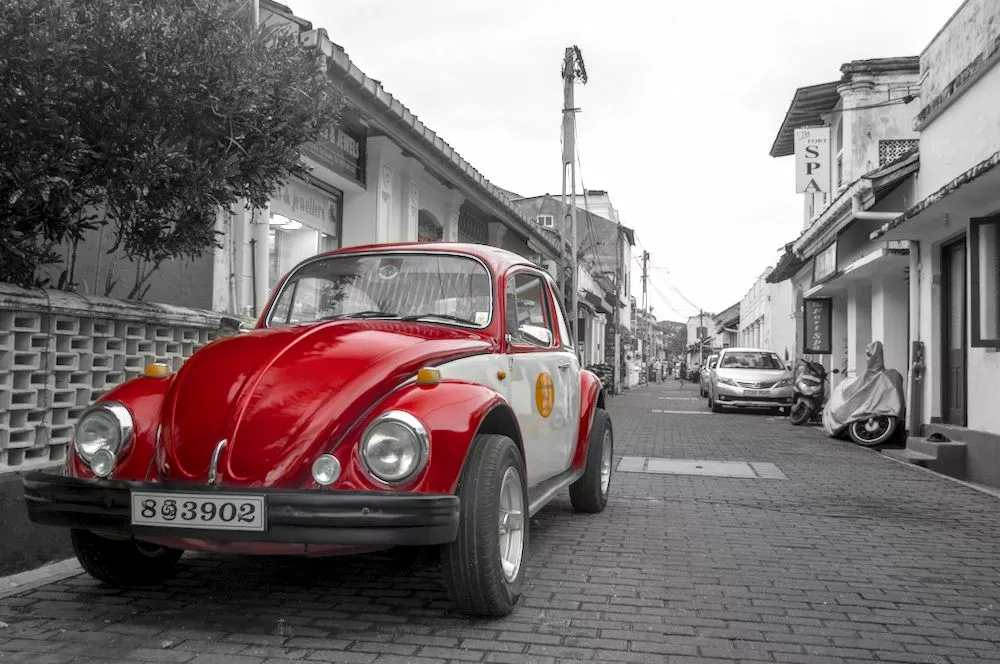
Sometimes a composition is quite busy and it's hard to isolate focus on the main subject. Using selective color to make the subject stand out can not only quiet down the image but also add add an element of contrast to the scene. Let's look at several examples.

Avid Andrew
When developing a photo, you may want to change the color of an object or set of objects in a scene while not altering other parts of the image. In this example, the autumn colors were just starting to change but would have appeared much more dramatic a week or two later. Let's show how we can use...

Avid Andrew
The new sigmoid module in darktable 4.2 makes it easy to create dramatic black and white compositions. While there are many ways to achieve this effect in darktable, sigmoid makes it fast and easy.

Avid Andrew
Adjusting the white balance of a photo is a fundamental skill needed when developing RAW files. In this tutorial, we take it a step further and show how to use darktable's powerful selective white balance to use different white balance settings on specific parts of the image. Typically, this would...
Avid Andrew
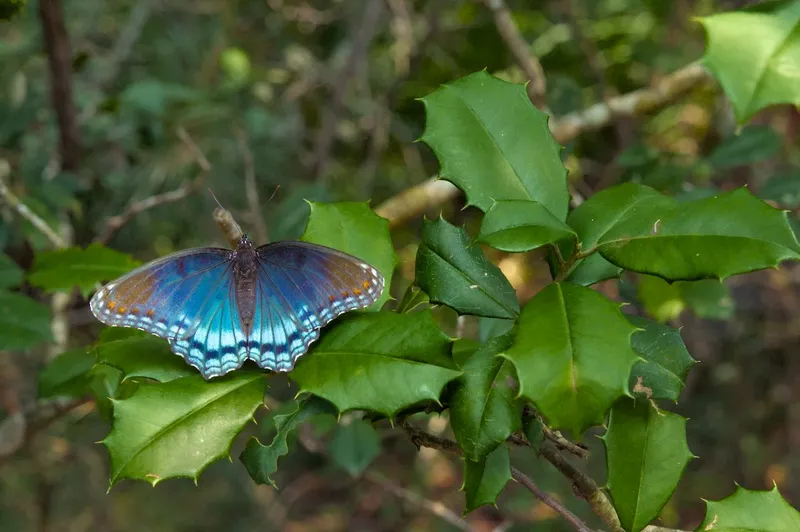
Mastering the channel mixer allows you to not only adjust white balance, but also creatively color grade a photo to set the mood, change the luminosity, and make local adjustments to specific areas of the photo. In this example, we use color calibration to highlight a subject when the surrounding...

Avid Andrew
When you think of contrast, you are probably thinking of luminosity contrast, but color contrast can play an important role in creating a vibrant, dynamic image too.

Avid Andrew
Quickly get started with the darktable scene-referred workflow using easy, step-by-step instructions. Learn the purpose of each step rather than just clicking buttons and moving sliders, so these actions become intuitive when developing your photos.