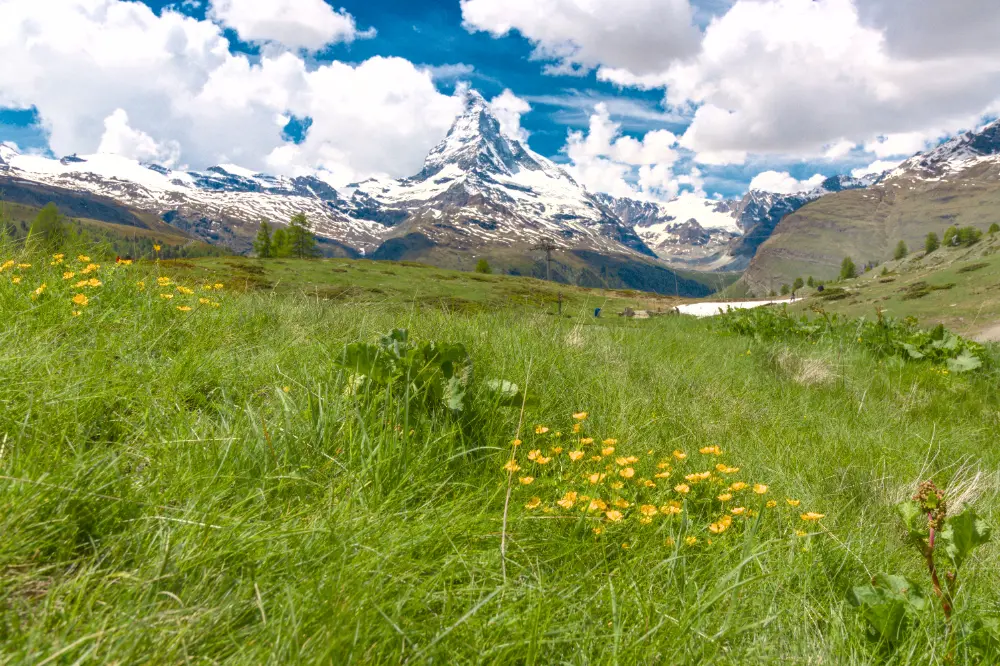
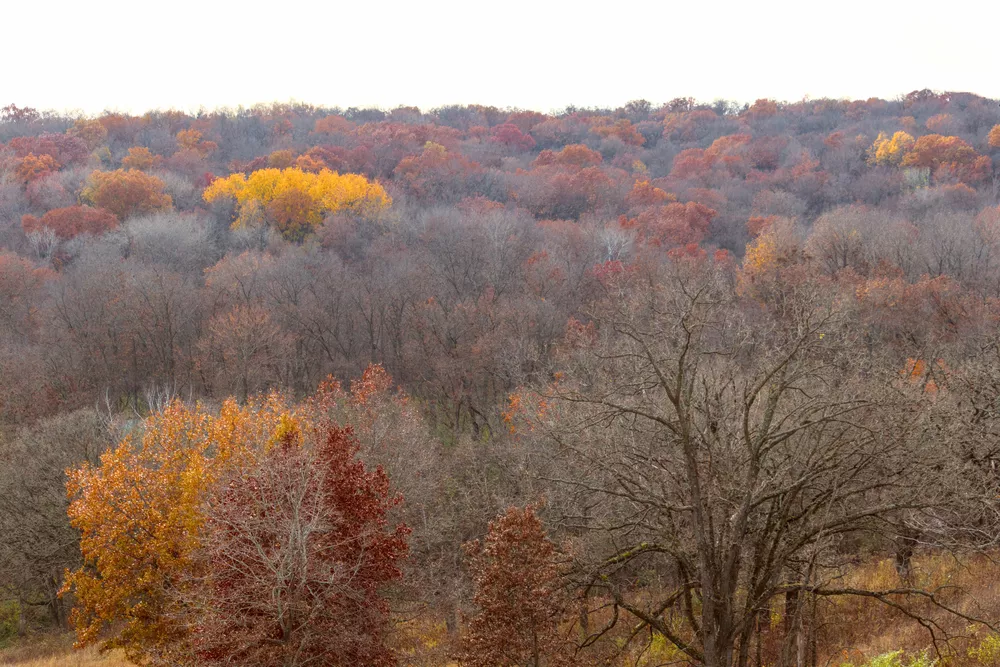
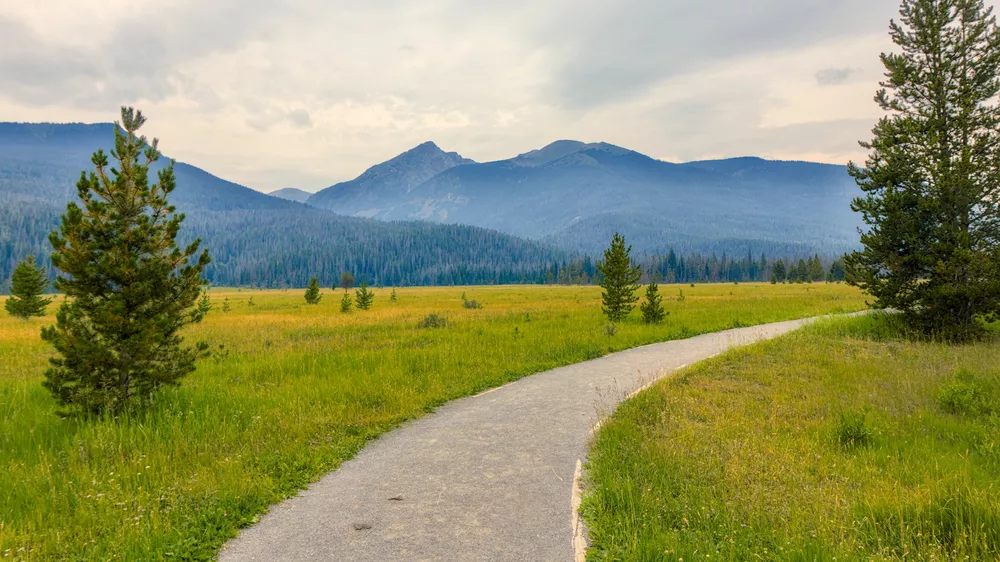
Green plants in landscapes don't always appear as green - they can range from shades of yellows to shades of blues depending on the lighting. In this tutorial, learn how to adjust these important shades to control the overall look of your landscape scene.
These beautiful buildings were quite colorful, yet the vibrance of the colors is lost in this capture due to the extreme difference in contrast between the parts in direct sunlight and the parts in the shade. Let's see how to bring this scene to life so it more accurately reflects how it looked in...
At first glance, the exposure module might seem quite basic. However, this module combined with darktable's powerful masking features can be used for a wide variety of purposes; let's explore these below.
When your subject is old and historic, it may be desirable to give the entire image an aged, analog look. Using the color wheel, let's explore how to create an analogous color harmony and give and old-time look to this photo.
Scenes with a high dynamic range can be challenging to work with - either you risk blowing the highlights or the shadows are way too dark. Let's learn how to compress a high dynamic range scene in darktable using both filmic rgb and sigmoid to compare how each of these tone mapping modules works.
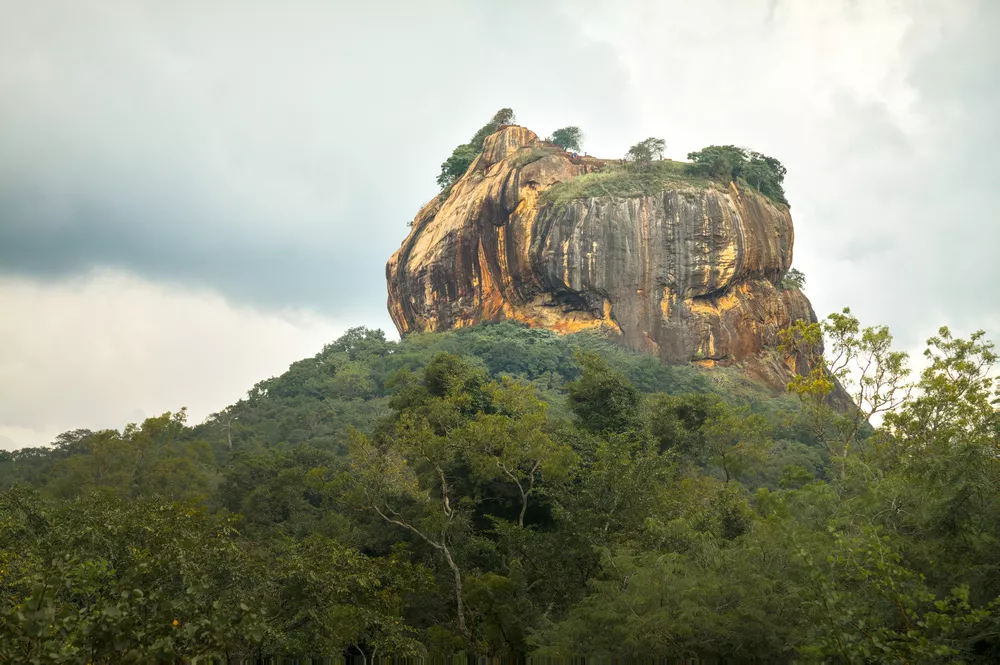
The mighty Sigiriya rises from the surrounding plains in dramatic fasion. This UNESCO World Heritage site is both impressive and beautiful to see. Let's look at how to bring out this beauty and detail in darktable.
Sunsets can have many fantastic colors, but they may not be very visible on the initial edit of an image. Let's explore how to bring sunset colors to life with this beautiful tropical silhouette.
A graduated neutral density filter (or GND) goes over your lens and reduces the brightness (typically for about half of the image) without changing the color temperature. This is useful in scenes with high dynamic range where you can't correctly expose all parts of the scene (because it contains...
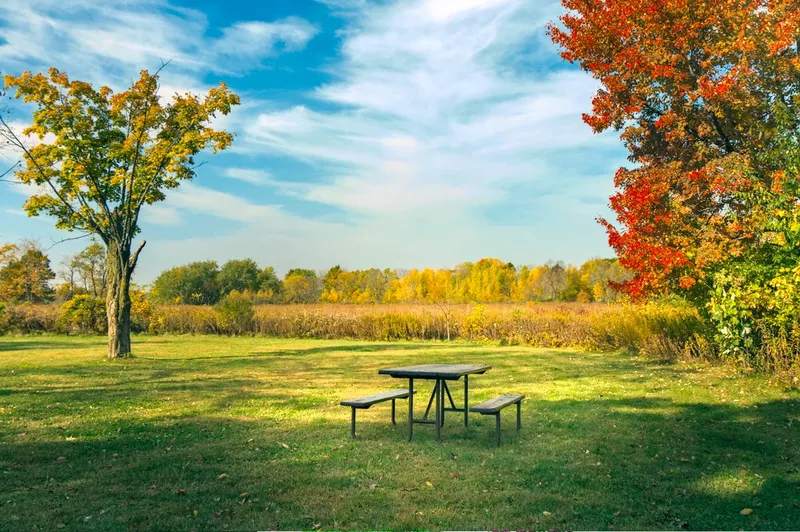
Fall colors are a great opportunity to utilize analogous and complementary color harmonies in a scene. Let's see how to use the RYB color wheel to create a color harmony and bring fall scenes to life.
Darktable's powerful drawn masks and parametric masks let you quickly and easily make targeted edits to only part of an image. Let's learn how to use both types of masks and then make several example adjustments.
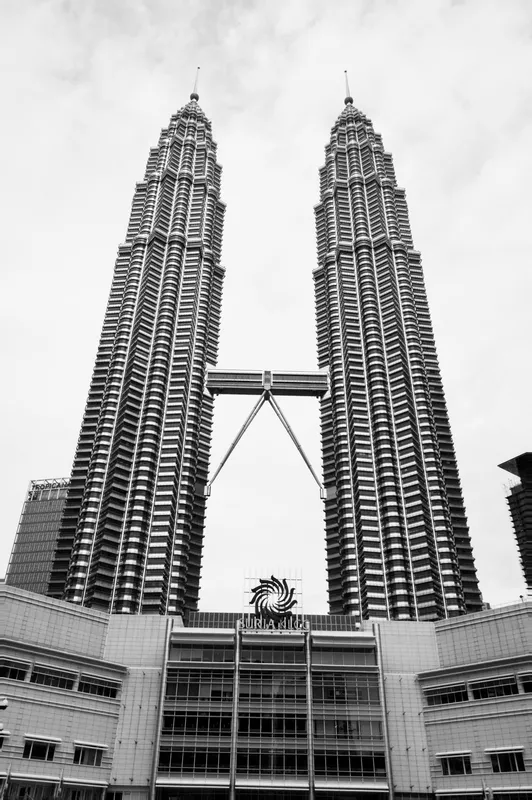
The new sigmoid module in darktable 4.2 makes it easy to create dramatic black and white compositions. While there are many ways to achieve this effect in darktable, sigmoid makes it fast and easy.
Darktable's powerful parametric masks, combined with the ability to layer multiple instances of a module with a separate set of adjustments applied to each, makes it possible to quickly make high-impact edits. In this example, an additional exposure module directs the viewer's attention to the...
Quickly get started with the darktable scene-referred workflow using easy, step-by-step instructions. Learn the purpose of each step rather than just clicking buttons and moving sliders, so these actions become intuitive when developing your photos.