Shooting into the sun can result in underexposure and a loss of detail, especially in the shadows. If the situation forces you to shoot into the sun, learn how to compensate for these effects in darktable.
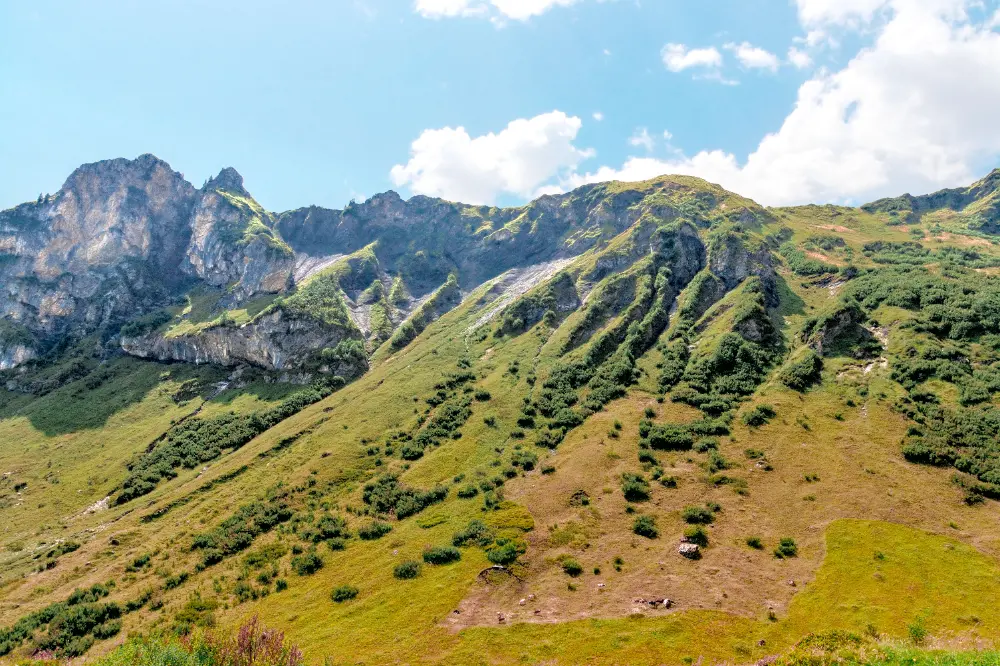
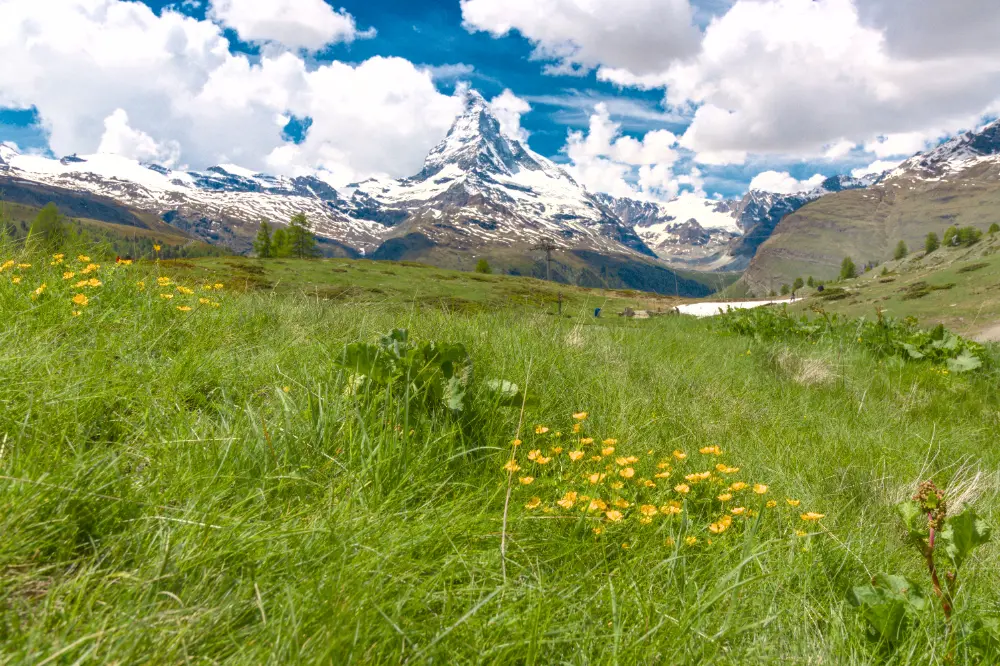
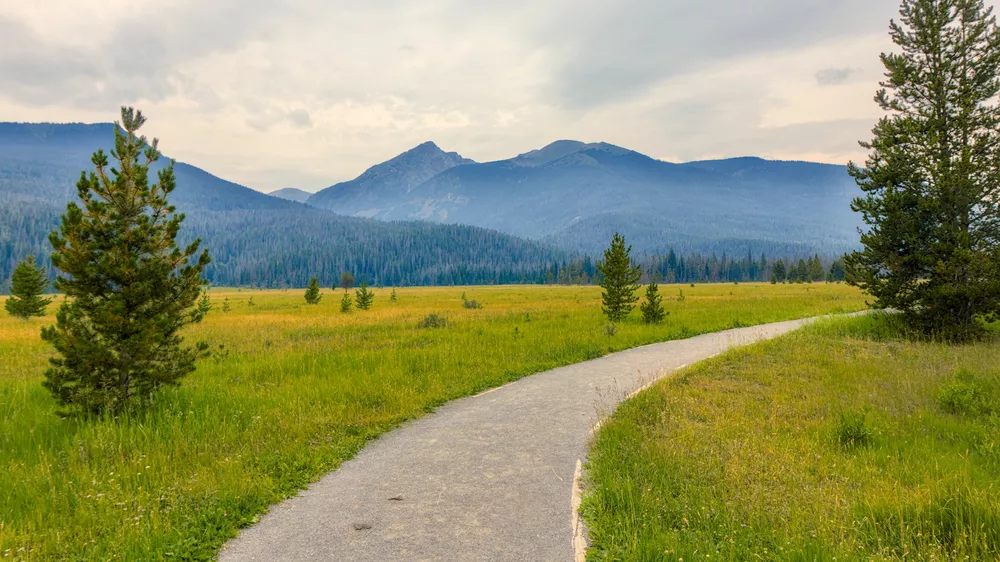
Green plants in landscapes don't always appear as green - they can range from shades of yellows to shades of blues depending on the lighting. In this tutorial, learn how to adjust these important shades to control the overall look of your landscape scene.
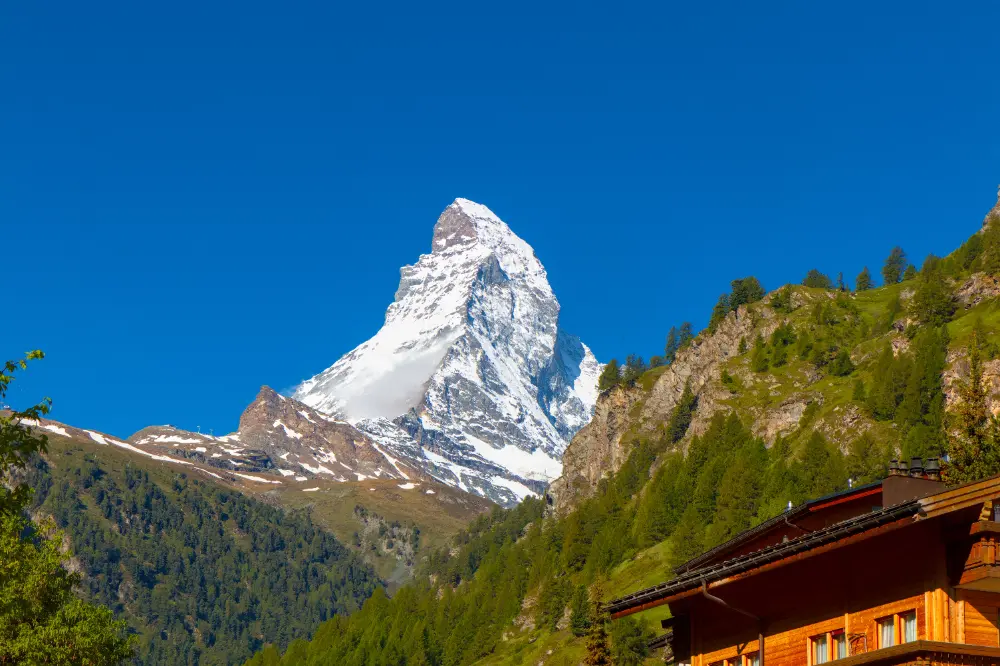
As we recently discussed, the new AgX module gives you fine-grained control over the highlights. However, additional steps may be required to really bring out the details in very bright areas like the sky. Let's look at several techniques for enhancing contrast in the highlights below.
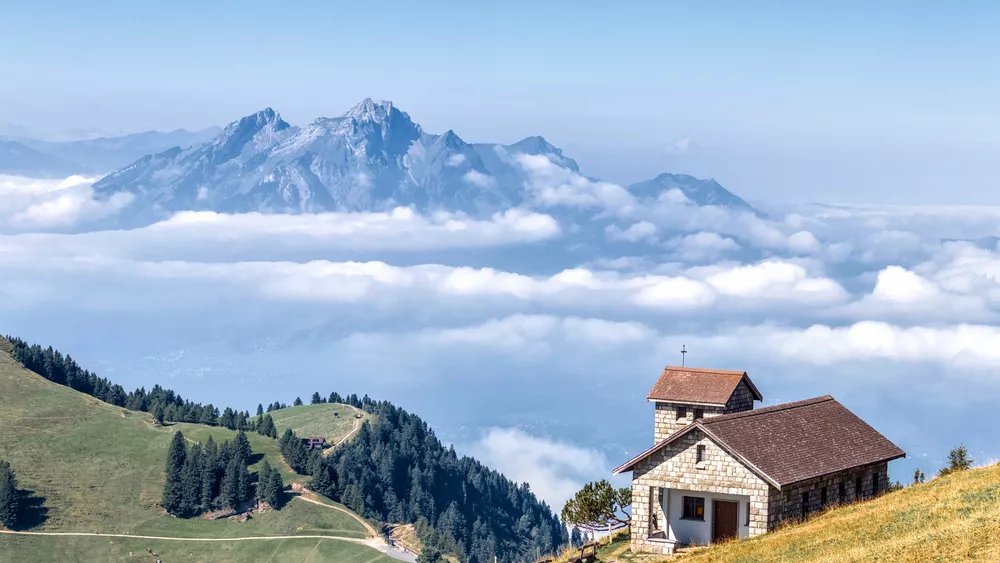
They usually aren't light, and they certainly aren't small, but the unique perspective a telephoto lens brings makes it an indispensable part of your kit, even when traveling. Let's review some shots taken with a telephoto to see how we can justify its size and weight.
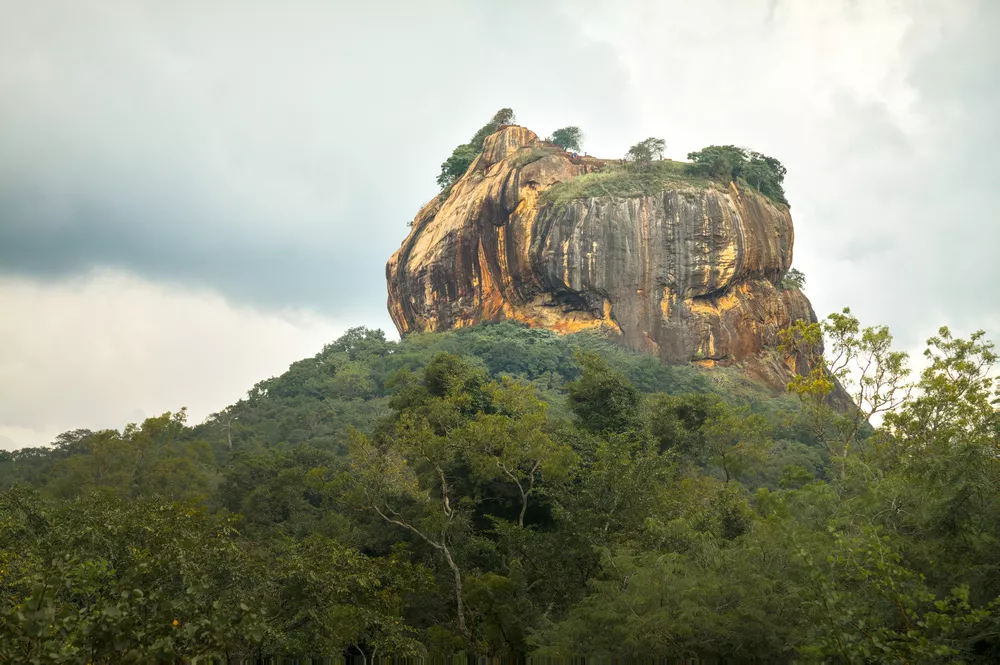
The mighty Sigiriya rises from the surrounding plains in dramatic fasion. This UNESCO World Heritage site is both impressive and beautiful to see. Let's look at how to bring out this beauty and detail in darktable.
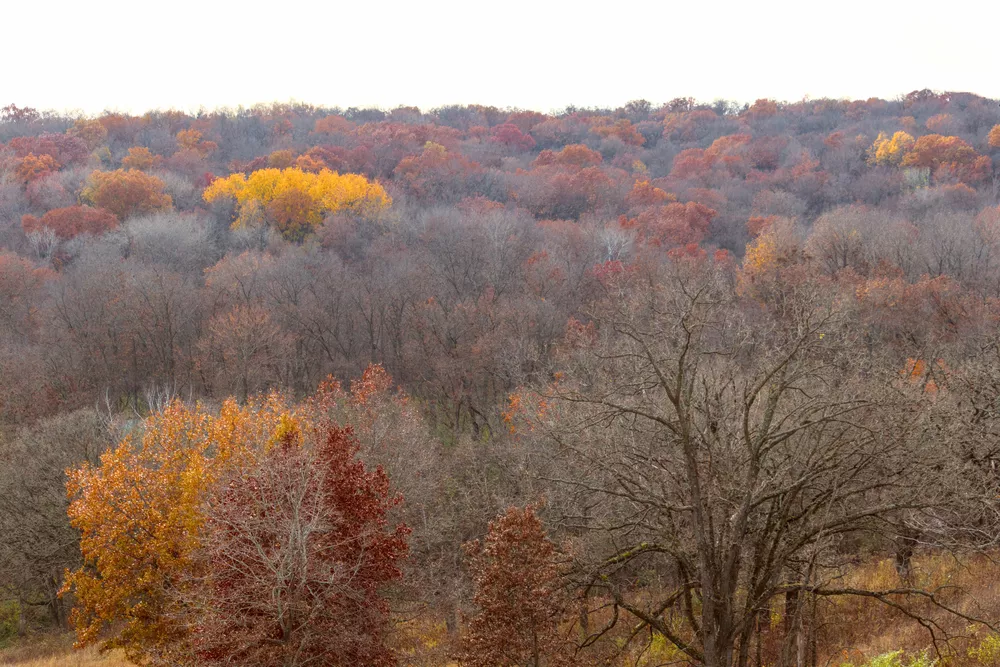
Fall colors are a great opportunity to utilize analogous and complementary color harmonies in a scene. Let's see how to use the RYB color wheel to create a color harmony and bring fall scenes to life.
Darktable's powerful drawn masks and parametric masks let you quickly and easily make targeted edits to only part of an image. Let's learn how to use both types of masks and then make several example adjustments.
Quickly get started with the darktable scene-referred workflow using easy, step-by-step instructions. Learn the purpose of each step rather than just clicking buttons and moving sliders, so these actions become intuitive when developing your photos.