Shooting into the sun can result in underexposure and a loss of detail, especially in the shadows. If the situation forces you to shoot into the sun, learn how to compensate for these effects in darktable.
We've discussed a number of different ways to adjust colors in darktable, including color balance rgb, the channel mixer in color calibration, rgb primaries, and color equalizer. In the upcoming 5.6 release of darktable, a new module called color harmonizer makes it easier and more intuitive than...
Green plants in landscapes don't always appear as green - they can range from shades of yellows to shades of blues depending on the lighting. In this tutorial, learn how to adjust these important shades to control the overall look of your landscape scene.
As we recently discussed, the new AgX module gives you fine-grained control over the highlights. However, additional steps may be required to really bring out the details in very bright areas like the sky. Let's look at several techniques for enhancing contrast in the highlights below.
These beautiful buildings were quite colorful, yet the vibrance of the colors is lost in this capture due to the extreme difference in contrast between the parts in direct sunlight and the parts in the shade. Let's see how to bring this scene to life so it more accurately reflects how it looked in...
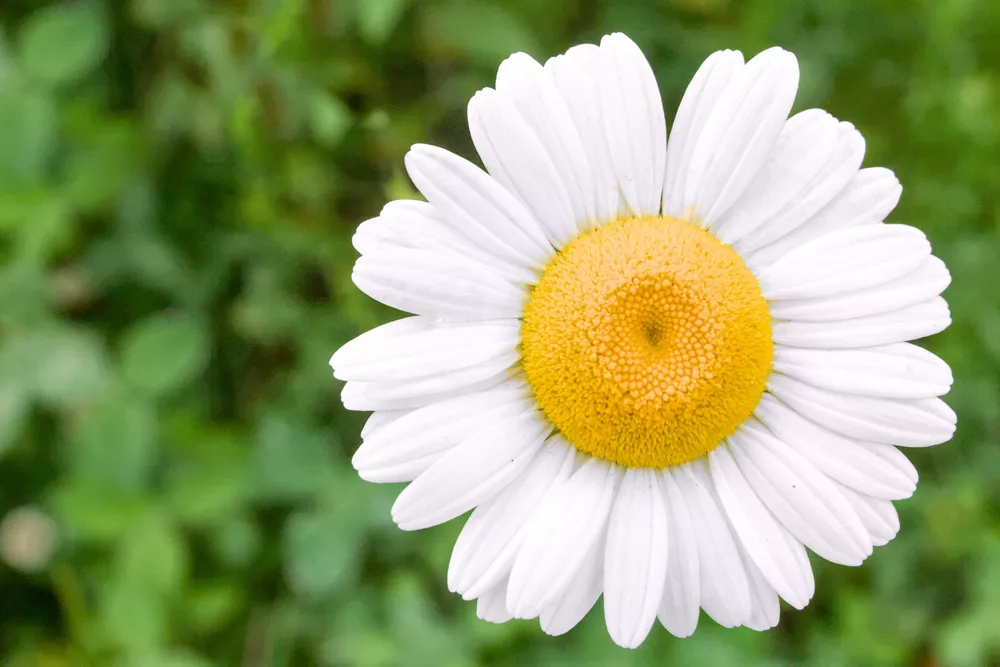
April showers bring May flowers, but what do May flowers bring? An article about color harmonies. Let's explore how color theory can help make these photos of spring flowers pop.
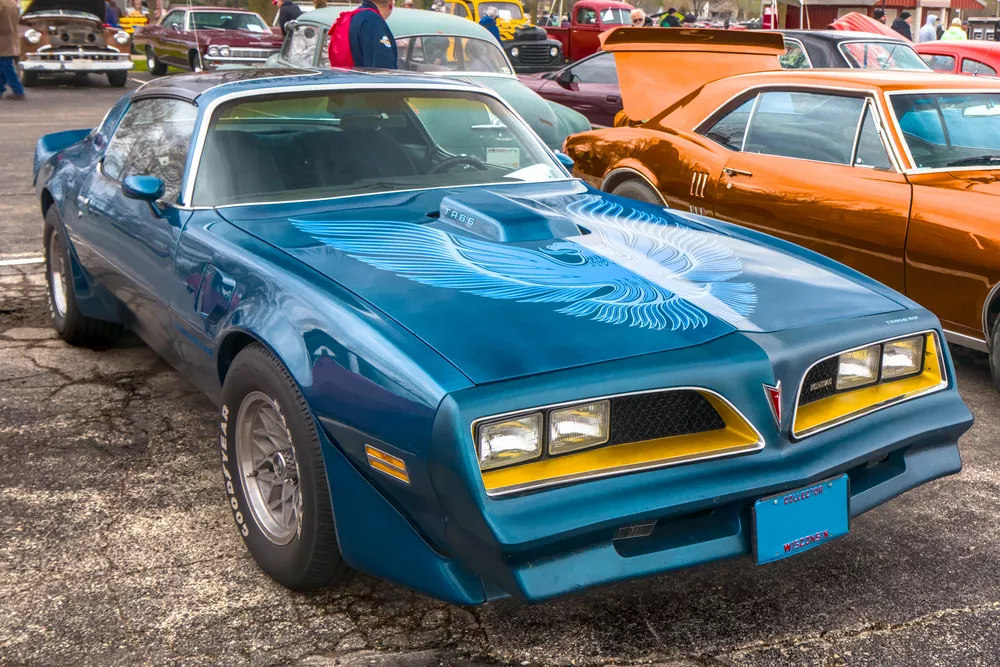
On the surface, taking photos of cars seems easy enough. However, you can really take your automotive photography to the next level with a few simple capture techniques and some creative post-processing in darktable.
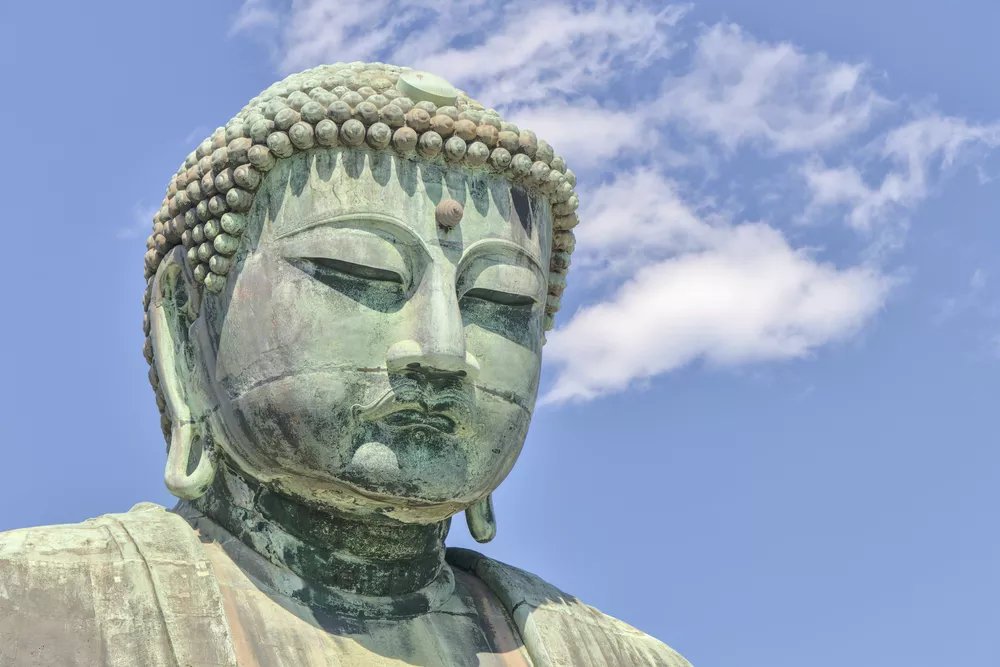
When your subject is old and historic, it may be desirable to give the entire image an aged, analog look. Using the color wheel, let's explore how to create an analogous color harmony and give and old-time look to this photo.
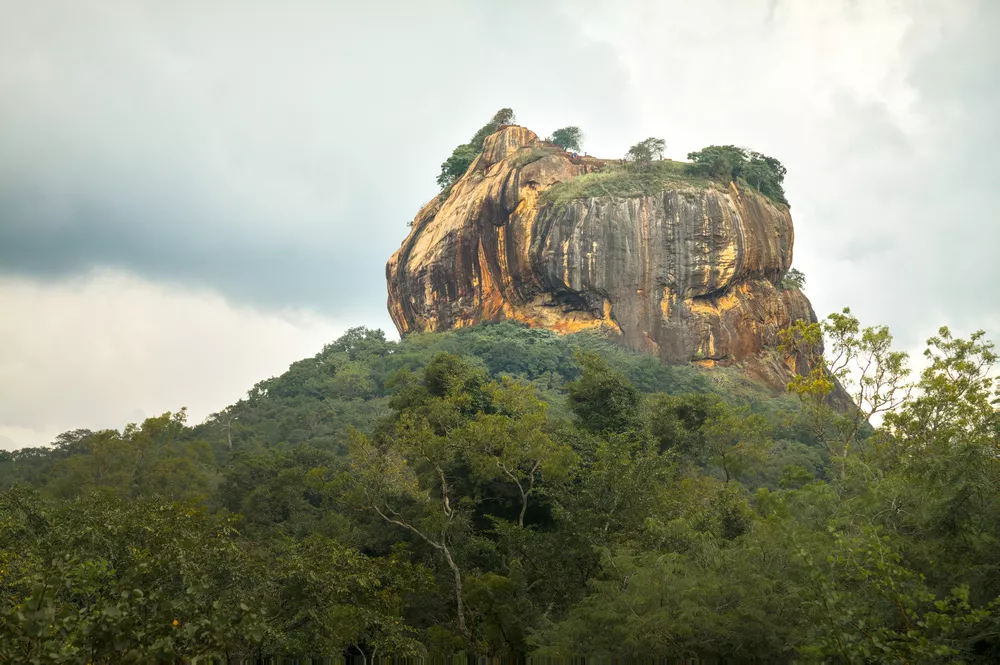
The mighty Sigiriya rises from the surrounding plains in dramatic fasion. This UNESCO World Heritage site is both impressive and beautiful to see. Let's look at how to bring out this beauty and detail in darktable.
Much of the advice for composition revolves around certain times of day (e.g. the Golden Hour or Blue Hour) or certain conditions (cloudy vs sunny, the angle of light, etc) in order to take interesting photos. To shoot during these conditions, you often need to devote a lot of time to planning and...
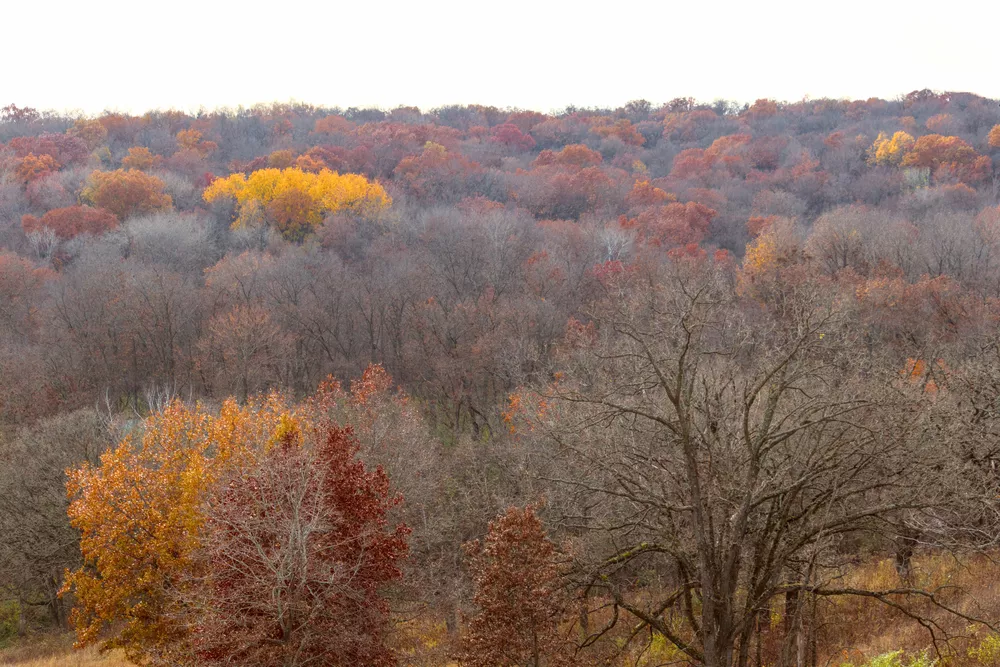
Fall colors are a great opportunity to utilize analogous and complementary color harmonies in a scene. Let's see how to use the RYB color wheel to create a color harmony and bring fall scenes to life.
The new color equalizer module in darktable 4.8 brings an easy, scene-referred approach to targeted color adjustments using familiar hue, saturation, and lightness/brightness tabs.
Quickly get started with the darktable scene-referred workflow using easy, step-by-step instructions. Learn the purpose of each step rather than just clicking buttons and moving sliders, so these actions become intuitive when developing your photos.